

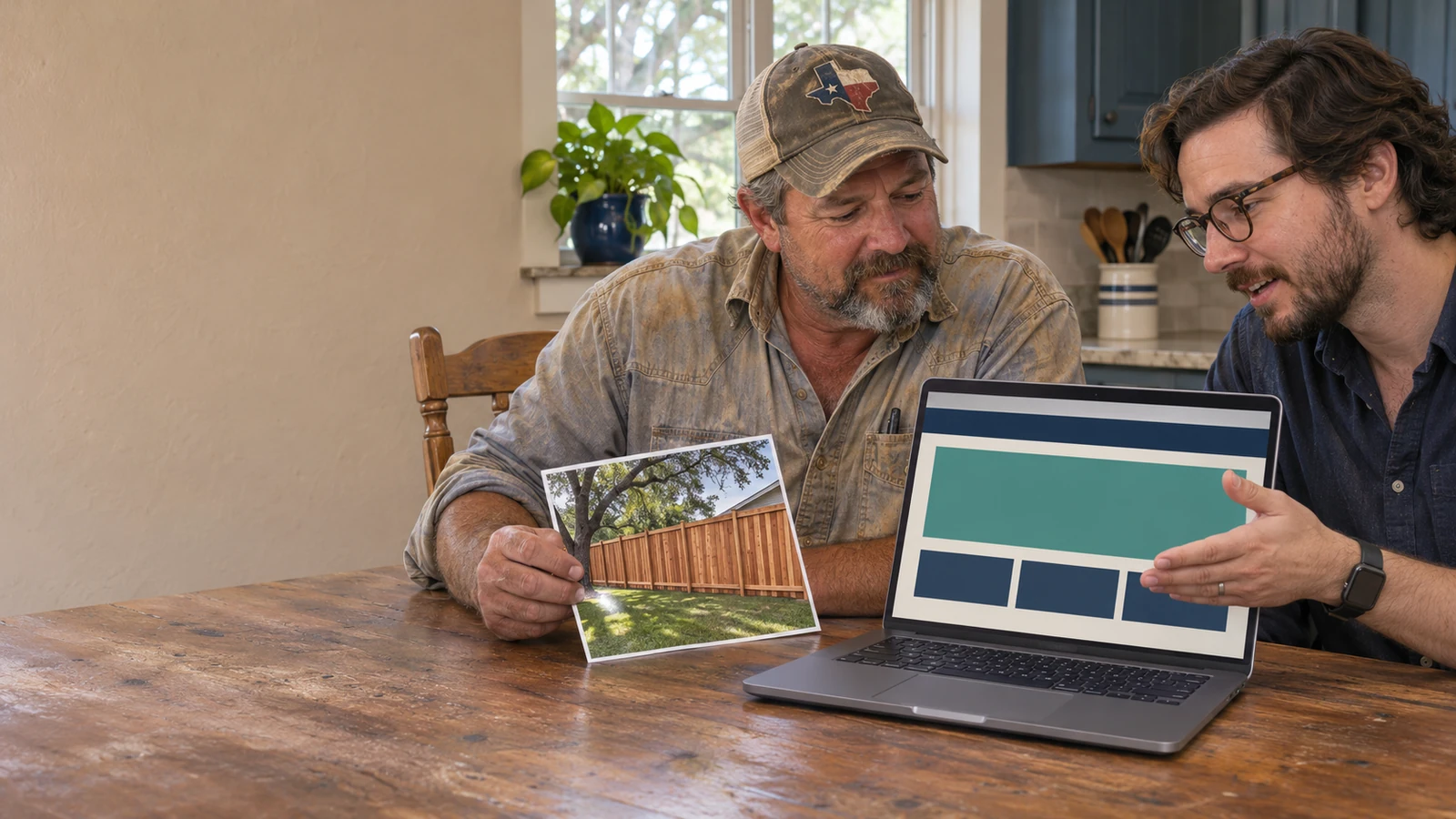
Before you pay for a website, write down what a customer should be able to do and how you’ll know it worked. A fence contractor might say, “A homeowner asks for an estimate, and I get their phone number and a description of the job.” A party studio might say, “Someone reserves Saturday afternoon, and that time disappears from the calendar as soon as the deposit is accepted.” Those answers tell you more about the build you need than a homepage mockup can.
An AI website builder is worth trying when one of its built-in tools can handle that whole job and someone on your team has time to test it. A developer earns the fee when there are decisions or connections you need help getting right, or when you want someone to take responsibility for testing, handoff, and support. You can also build a first draft yourself and hire help for one specific part.
For a contractor who needs quote requests
Picture a fence contractor serving Palacios and nearby towns. The site needs a few photos of completed jobs, a clear service area, a click-to-call number, and a short form. A builder such as Wix can generate a starter site from a description and let the owner edit it. In this case, a self-built site is a reasonable first choice. The contractor already has the knowledge that will make the pages useful. [1]
I’d spend the first hour replacing generic copy with the details a caller would ask about. Do you repair a leaning fence or only install new ones? Will you give an estimate before someone buys materials? How far will you travel for a small repair? Then have a friend send a request from their phone. Answer it from the inbox you actually check between jobs. If the exchange works both ways, you’ve tested the most important part of the site.
For a studio that takes reservations and deposits
Now picture a party studio with one room and two employees who take bookings. A Saturday reservation needs to block the room for setup and cleanup. A customer can reserve it with a deposit, and the front-desk employee needs to see what balance is due. Put that exact scenario into the trial for the booking tool you’re considering.
Try booking the same slot from a second phone. Move the original reservation to Sunday. Check whether the staff calendar, the customer’s confirmation, and the deposit record still agree. If the built-in features handle this cleanly, the owner can buy a small setup or training session if that’s all they need. If staff must reconcile three screens by hand after every change, I’d ask a developer to demonstrate a working solution before signing off on the design.

Compare the cost of keeping it running
Compare the amount due in year one with what you will pay in a normal renewal year. On the builder side, write down subscription fees, booking or form add-ons, and any separate domain charges for each year. Include the hours you expect to spend getting the site ready and keeping it current. For a professional build, ask which of those costs are included in the quote, what training you get, and how later changes are billed. Ask both providers what you can export if you leave. Our small-business website cost guide walks through those budget categories. [2]
Will customers find it and be able to use it?
Google’s guidance allows AI to assist with content creation and emphasizes accuracy, quality, and relevance. Its guidance for AI search features points owners back to the usual search fundamentals. Give potential customers information only your business can supply, such as your actual service boundary and an original photo showing how you handle a difficult installation. A page full of interchangeable town names gives people little to base a hiring decision on. [3] [4]
Give both routes the same usability test. Enlarge the text on a phone. Use the Tab key on a computer to reach the form, select its fields, and submit. Leave one required field blank and see whether the page tells you how to correct it. W3C’s introductory accessibility checks are a good place to continue that review. [5]
What I’d ask before making the decision
Take your original sentence to the person selling the site and ask, “Can you show me that happening from beginning to end, including what my employee sees?” If you’re building it yourself, run the same demonstration for someone who was never involved in setting it up. If you’d like El Roi Digital Services to help compare the options, send us that sentence and the name of any tool your business already relies on. That gives us a real job to estimate. [6]
Sources and links
- Wix · AI website builder https://www.wix.com/ai-website-builder
- El Roi Digital Services · How much does a small business website cost? https://elroidigitalservices.com/blog/small-business-website-cost
- Google Search Central · Using generative AI content on your website https://developers.google.com/search/docs/fundamentals/using-gen-ai-content
- Google Search Central · AI features and your website https://developers.google.com/search/docs/appearance/ai-features
- W3C Web Accessibility Initiative · Easy checks for a first accessibility review https://www.w3.org/WAI/test-evaluate/easy-checks/
- El Roi Digital Services · Discuss a project https://elroidigitalservices.com/contact